
SHAREit
SHAREit is a free Windows app from the SHAREit Team for moving photos, videos and documents between a PC and a phone. The current version is 5.1.0.7.
22.7 MB

2.3.22.0 · Samsung Electronics Co, Ltd. · Page updated
Quick Share is a data transfer utility by Samsung and Google for sending files between Android devices and Windows PCs nearby.
Average 0.0 · ratings: 0
Thank you! Your rating is saved; you can change it. Could not save the rating. Please try again later. Too many ratings from your network today. Please try again tomorrow. The average appears after 5 ratings.
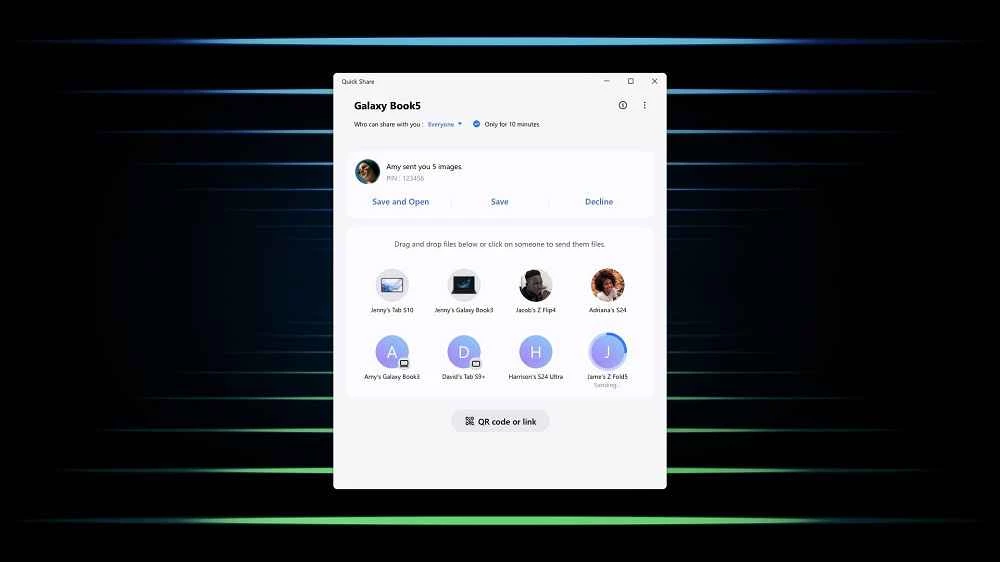
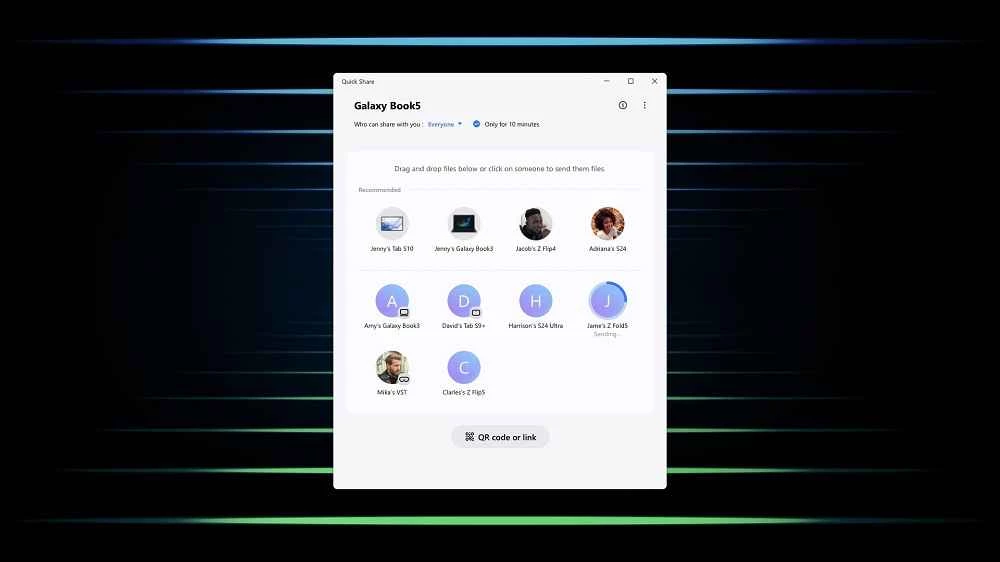
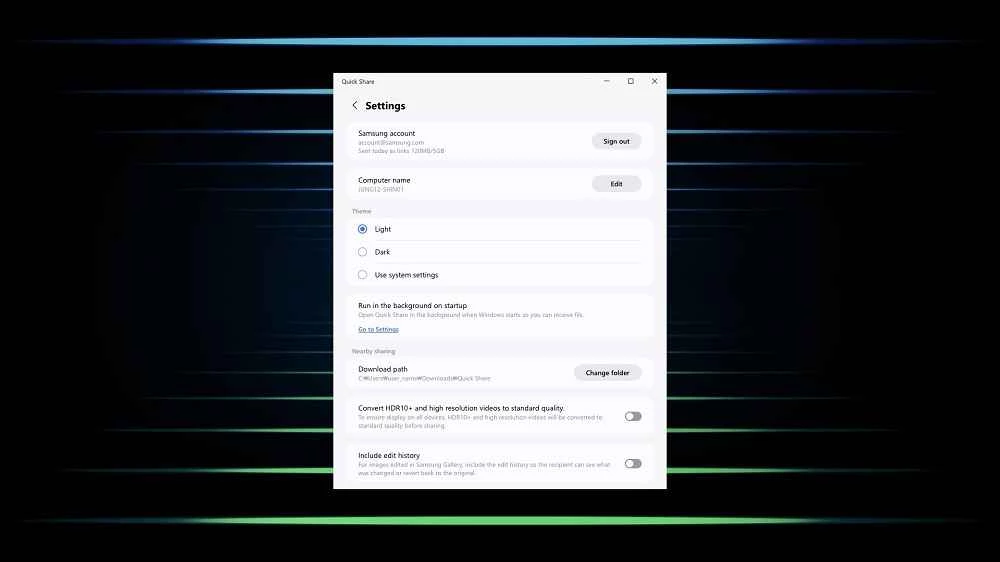
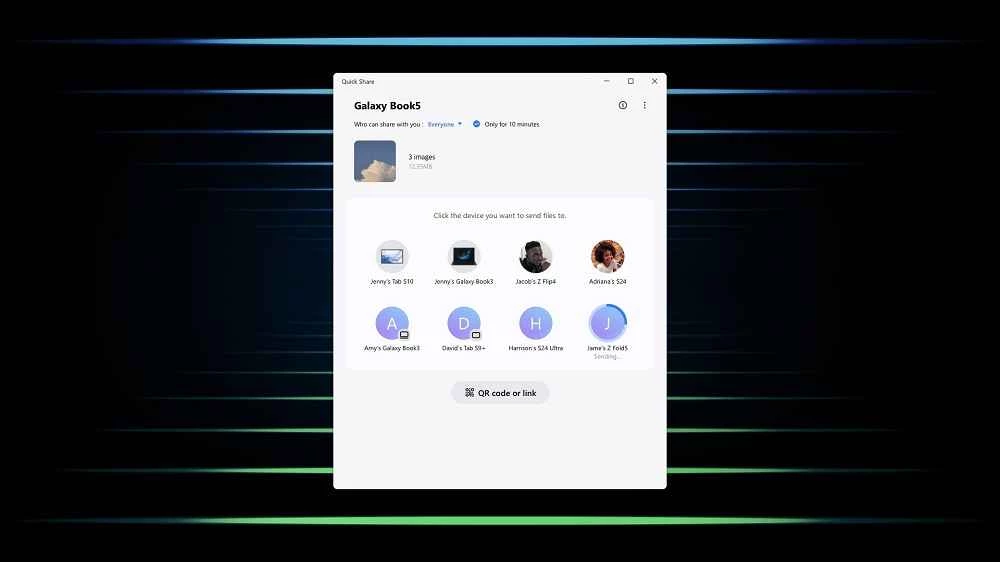
Quick Share 2.3.22.0 is a data transfer utility for Windows developed by Samsung Electronics together with Google. It sends photos, videos and documents between Android phones and a Windows PC without cables, and you can download Quick Share for Windows free of charge via the official page on android.com.
Quick Share is aimed at people who move files between an Android phone and a computer many times a week. Think of someone who takes photos on the phone and edits them on the PC, a student who scans notes with the camera and needs them on the laptop for an assignment, or an office worker who receives a document on the phone and wants to print it. Without such a tool, those tasks usually mean emailing files to yourself, uploading them to a cloud service or looking for a USB cable. Quick Share turns them into a simple send and receive between devices that are close to each other. It is especially convenient for Samsung Galaxy owners, since the service comes from Samsung and Google, but it is available on Android devices in general and on ChromeOS too. If you use an iPhone, it is not the right tool.
| Item | Details |
|---|---|
| Version | 2.3.22.0 |
| Developers | Samsung Electronics, Google |
| Platforms | Windows, Android, ChromeOS |
| Use | Data transfer |
| Price | Free |
| Size | about 412.04 MB according to catalogue data |
Keep visibility as narrow as possible, especially in cafés, trains and offices, so strangers cannot send you files. Accept only transfers you expect. Install the app from android.com rather than from mirror sites, since a fake file transfer tool could reach your personal data.
Keep both devices close together, make sure wireless connections are switched on, check the visibility setting on the PC and restart the app. On company laptops, network policies can block transfers; ask your IT team if the PC never appears.
Files sent to the PC land in a default folder. Change it in the settings if you prefer a dedicated folder, and sort photos and documents regularly so they do not pile up next to other downloads.
Other file transfer tools in our listings: SHAREit, Xender, Zapya and ShareMe.
SHAREit is a free Windows app from the SHAREit Team for moving photos, videos and documents between a PC and a phone. The current version is 5.1.0.7.

Zapya for Windows is a free file transfer app from DewMobile for moving files between a PC and phones over a local wireless connection.

Easy Connection to Screen is Samsung's Windows app for showing a PC's screen on a compatible Samsung TV over a wireless connection.

Internet Download Manager (IDM) is a shareware download manager for Windows from Tonec that accelerates, resumes and schedules downloads.

uTorrent (μTorrent) is a small BitTorrent client for Windows from Rainberry (BitTorrent Inc) for downloading and sharing files over torrents.

AnyDesk is a remote desktop application for connecting to and controlling another computer over the internet, from a small Windows program.

ShareMe is Xiaomi's free app for sending files between devices without a cable; on Windows the Android app runs only inside an emulator.

Xender is a free file sharing app from the Xender File Sharing Team for sending files between phones and computers over a local connection.